
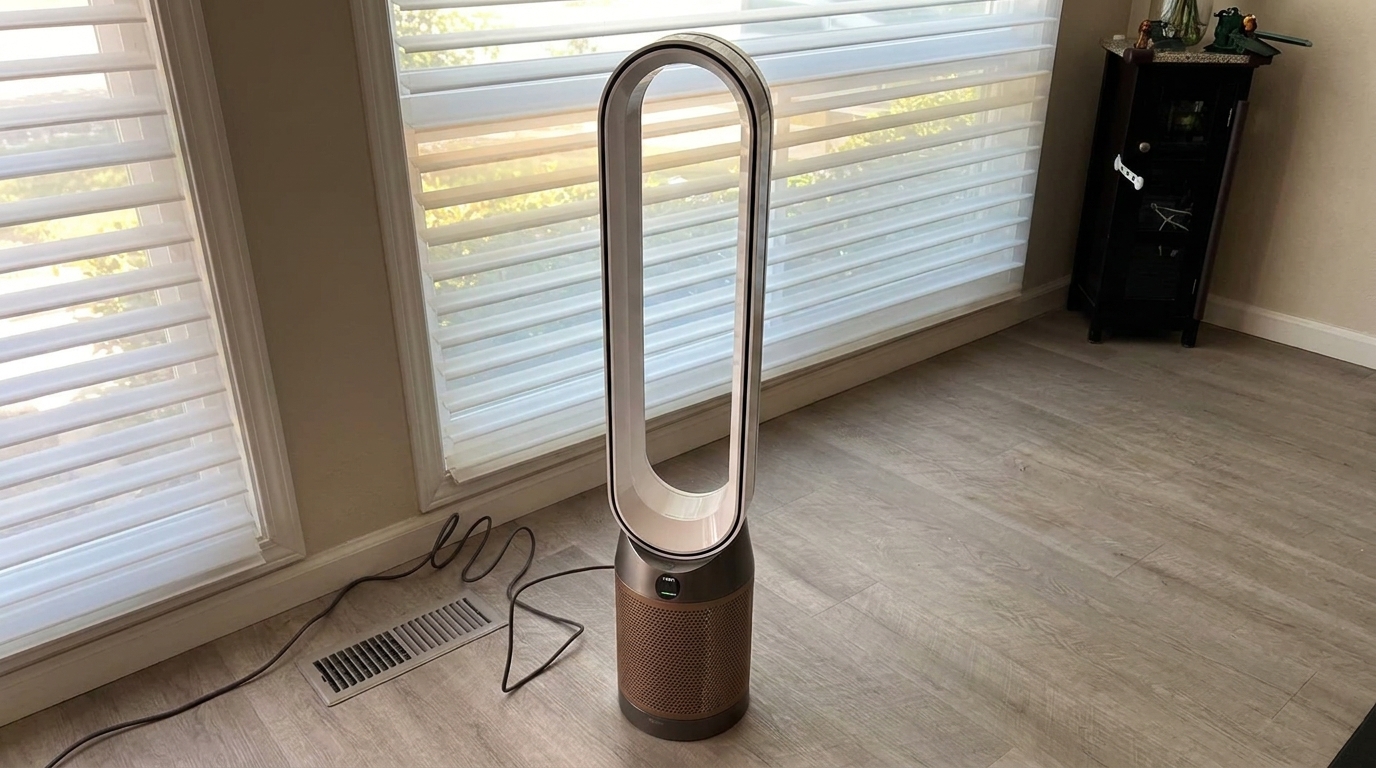
A Dyson air purifier that whistles through dinner or rattles beside your bed can make a replacement look very tempting. But an irritating noise does not automatically mean the machine is beyond repair.
Start by identifying your exact Dyson model, checking the filter fit and noting when the noise happens. If the fault is covered by warranty, pursue that before paying for another purifier.
If it is not, compare a written repair quote with the cost of replacing both the air purifier and any fan, heating or humidifying features you actually use.
AirDoctor and Jaspr deserve a place on that shortlist when air cleaning is your priority. They are not direct substitutes for every Dyson function, however.
Here is how to make the decision without buying an expensive solution to a loose cover.
The troubleshooting guidance is based on manufacturer documentation; this is not a hands-on diagnosis of your machine.
First, find your Dyson model number
“Dyson purifier” covers several different products. TP07 and TP09 are tower purifying fans. HP07 and HP09 add heating. PH03 and PH04 combine purification, fan airflow and humidification.
Older TP01, TP02, TP04 and HP models can have different filters, controls and maintenance instructions.
Check the rating label, your manual or the machine listed in your Dyson account. Use the full model code when ordering parts or contacting support.
A video about a similar-looking Dyson is not a substitute for the correct manual.

| Dyson family | Where to start | What changes the replacement decision? |
|---|---|---|
| TP07 / TP09 Purifier Cool | Check filter covers, airflow openings and whether oscillation triggers the noise. Dyson’s TP07 whistle troubleshooting includes an unplugged 10-second restart. | You may lose directed cooling airflow, oscillation and connected controls. |
| TP01 / TP02 / TP04 and other older tower models | Follow the exact model’s filter and cleaning instructions. Filter assemblies and reset buttons differ. | Age, available parts and the features you still use matter more than the original purchase price. |
| HP07 / HP09 Hot+Cool | Let the machine cool before maintenance. Note whether the sound occurs with heating, fan-only operation or oscillation. | AirDoctor and Jaspr do not replace the heater. |
| PH03 / PH04 Humidify+Cool | Check correctly fitted parts and the model’s humidifier maintenance prompts. Use its prescribed Deep clean procedure where applicable. | You would also need another humidifier if you still want humidity control. |
| TP10 Gen1 / Autoreact variants | Use the model-specific support page rather than assuming all Dyson purifiers have app controls. | For example, TP10 has remote control but no app connectivity. |
Find your machine in Dyson’s purifier support directory. The checks below help you describe the problem; they do not identify an internal fault by sound alone.
Whistling, rattling or a normal click? Separate the sounds
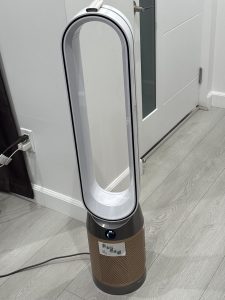
Before changing anything, record a short video. Note the fan speed, whether oscillation is on, whether heating or humidification is active, and whether the sound continues after you turn the main airflow off.
| What you hear | Useful check | What it does—and does not—tell you |
|---|---|---|
| Whistle or high-pitched whine | Check for a blocked outlet or poorly seated filter cover; follow your model’s restart guidance. | Fit or airflow may be involved. A whistle alone does not prove the motor is failing. |
| Rattle mainly while oscillating | Turn oscillation off using the controls and check for visible debris around the base. | This helps isolate when the noise occurs. It does not confirm a broken oscillation mechanism. |
| Buzz that changes when moved | Try a different stable, level surface with the required clearance. | The supporting surface may amplify vibration. |
| Brief click when changing airflow direction | Check whether it happens only when switching front/rear airflow on a model with that function. | Dyson identifies this particular click as normal on applicable machines. |
| Persistent grinding, scraping or worsening rattle | Stop using the machine and contact support. | A remote article cannot safely determine which internal part needs repair. |
1. Switch off, unplug and inspect the outside
For a Hot+Cool machine, let it cool first. Check the intake, outlet and area around the base for visible obstructions. Keep fingers and tools out of the internal mechanism.
Follow the manual’s cleaning method. Dyson’s guidance for some loop-style purifiers allows wiping the loop and clearing intake holes with a soft brush.
Do not spray cleaner into the appliance, add lubricant to the motor or open the electrical housing.
If there is a burning smell, smoke, a damaged cord or abnormal overheating, stop here and seek service. Do not keep running it to collect more evidence.
2. Reseat the filters and covers
If the noise began after a filter change, check the fit before buying another filter. With the machine unplugged, remove and refit the user-removable filters and covers exactly as the manual shows.
Check that packaging has been removed and the clips engage properly.
The TP07 user manual shows different filter configurations and secure cover fitting. Its HEPA and carbon filters are non-washable. A filter-life reset belongs after replacement; it does not physically clean a filter or cure a mechanical noise.
Do not leave filters out for normal use. Only perform a filter-removal diagnostic if Dyson’s instructions for your exact machine or its support team direct you to do so.
3. Restart, then change one setting at a time
For TP07 whining or whistling, Dyson’s support guidance says to unplug the machine for 10 seconds, reconnect it and retest. Use your own model’s instructions if they differ.
With the machine correctly assembled, compare a low and moderate fan speed, then try oscillation off and on.
On applicable models, note whether front/rear airflow changes the sound. On a humidifying model, tell support whether the noise happens only during humidification.
This is a symptom check, not a repair. Avoid a factory reset unless the model’s support instructions request one; removing app settings is unlikely to fix a loose physical part.
4. Treat Humidify+Cool maintenance separately
A PH-series machine has a water system as well as an air filter. Dyson’s humidifying-purifier guidance links some whining or whistling to incorrectly fitted parts and specifies Deep clean maintenance for limescale.
Follow the exact procedure and keep electrical connections on the tank cap dry. Do not wash components just because a different Dyson model has washable parts.
If the sound persists after the prescribed checks, send your video and model number to Dyson. A repeatable description is more useful than “it sounds like a tiny kettle having a bad day.”
Check the warranty before paying for a repair
For a new US TP07, Dyson lists a two-year limited warranty. Confirm the terms for your own purchase, particularly if it was refurbished, bought secondhand or purchased in another country.
Dyson’s US service policy provides repair or replacement for eligible covered faults. Routine filter replacement is different from a manufacturing defect. Keep your purchase receipt and ask Dyson to confirm coverage before sending the machine anywhere.
For an out-of-warranty repair, request the full quoted cost, including shipping and tax, the diagnosed fault, the turnaround estimate and the warranty on the work. Dyson’s published US terms say quotes follow inspection. They also distinguish the warranty on a replaced part from a new warranty on the whole machine.
Use Dyson’s official repair and servicing information to start. There is no reliable universal “Dyson whistle repair price” that applies to every model and fault.
Repair cost versus replacement: use the quote, not a guess
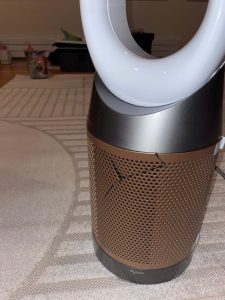
A $200 repair quote and a $400 repair quote lead to different decisions. Those numbers below are examples, not Dyson’s advertised repair fees.
| Option | Upfront comparison | Ongoing filter budget | Main trade-off |
|---|---|---|---|
| Repair your Dyson | Actual written quote. Example: $200 or $400. | For a compatible Purifier Cool, Dyson lists a $79.99 replacement combination filter; roughly annual replacement under its guidance. | Keeps the features you already own, but does not make every older component new. |
| Replace with AirDoctor 3500 | $152.99 published one-year filter combo budget. | Dedicated purification; no Dyson-style personal fan or heater. | |
| Replace with Jaspr Air Scrubber | $1,199 regular listed price. The product page also displayed a $1,099 promotion when checked. | $199 every six months on the filter subscription: $398 per year. | Higher ongoing cost; lifetime warranty depends on subscription and maintenance conditions. |
US-dollar references checked October 14, 2026. Prices, availability, promotions and shipping can change. These are separate purchase/repair and annual maintenance figures, not exact first-year totals: replacement machines include initial filters, and shipment dates affect actual spending.
Filter references: Dyson Purifier Cool parts and AirDoctor’s published replacement-filter schedule. Confirm compatibility and the current checkout price before ordering.
At the $659 AirDoctor reference price, a hypothetical $200 repair is about 30% of a new unit’s purchase price; $400 is about 61%. Those percentages are decision aids, not a rule that a machine must be replaced at a particular threshold.
I would lean toward repair when the fault is clearly identified, the rest of the Dyson is in good condition and its extra functions matter. I would lean toward replacement when the quote is high, faults have repeated or I no longer need those functions. Money already spent on the Dyson is not a reason to keep funding it indefinitely.
What would you lose by switching to AirDoctor or Jaspr?
This is where a “better purifier” recommendation can become an expensive mismatch.
- Personal cooling airflow: a Dyson Cool can direct a breeze at you and oscillate. AirDoctor and Jaspr move air for filtration, but they are not equivalent personal cooling fans. Dyson’s cooling function is also not air conditioning.
- Heating: replacing a Hot+Cool with either alternative removes its heating function. Include a separate heater in your budget if you rely on it.
- Humidification: neither alternative replaces a Humidify+Cool’s water system.
- Connected controls: supported Dyson models offer MyDyson control and compatible voice services. Standard AirDoctor 3500 is different from the connected 3500i; check the exact version. Do not assume Jaspr will reproduce your Dyson app, voice routines or remote-control experience.
- Specialized gas features: do not assume a carbon-filter purifier duplicates a Dyson Formaldehyde model’s dedicated catalytic system. Gas capture and particle removal are different jobs.
For a broader shortlist, see our Dyson air purifier alternatives guide. Choose the functions first, then the brand.
Compare clean-air delivery on the same basis
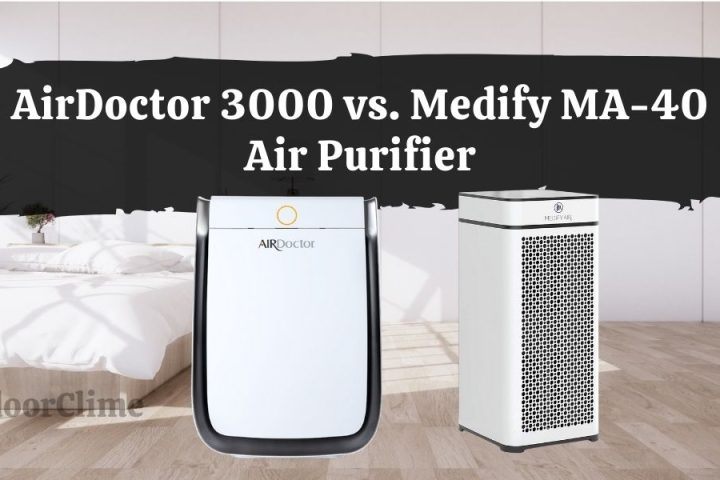
AirDoctor lists a smoke CADR of 340 CFM for the 3500. Jaspr also lists a maximum smoke CADR of 340 CFM. That gives us a useful like-for-like comparison for particle cleaning, without comparing one brand’s largest advertised room size with another’s more demanding coverage claim.
For an eight-foot ceiling, calculated coverage is CADR × 60 ÷ ceiling height ÷ target air changes per hour. At 340 CFM, that is about 638 square feet at four equivalent clean-air changes per hour, or 531 square feet at 4.8. This is a sizing calculation at rated output, not a guarantee for an open-plan home or a quiet overnight setting.
Jaspr lists 114 CFM on its lowest setting. Using the same calculation gives about 214 square feet at four changes per hour. That is why “quiet” and “covers a large room” must be evaluated at the same speed. These devices are not silent, and published decibel numbers from different test setups cannot prove which will sound better beside your bed.
I am not assigning your Dyson a CADR from its projected airflow figure. Fan airflow and independently specified clean-air delivery are not interchangeable. Without comparable data for your exact model, a numerical ranking would create false precision.
AirDoctor 3500: when it makes sense
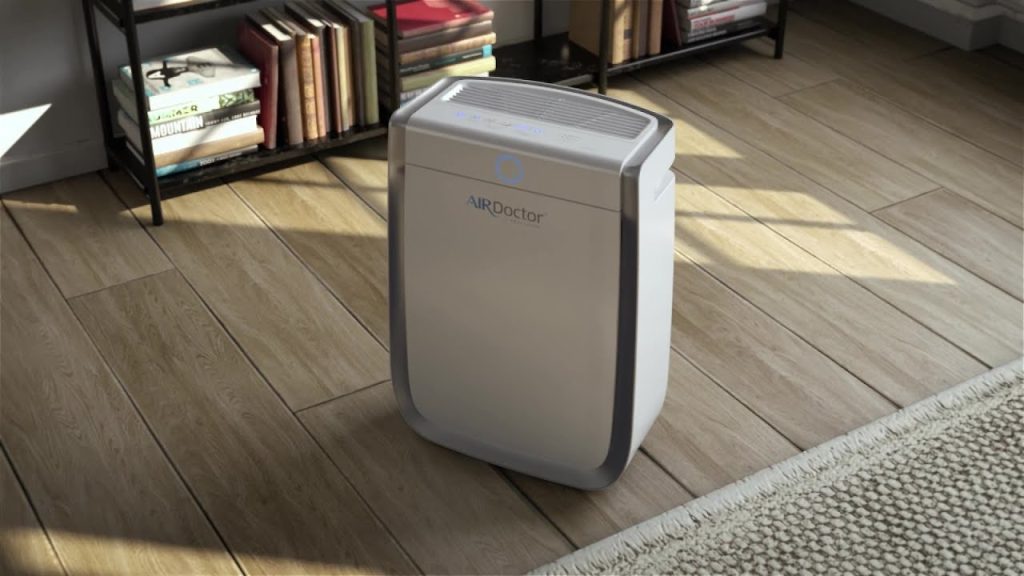
The 3500 is worth considering if your main goal is particle cleaning and the purchase price fits your budget. Its published one-year filter combo is less expensive than Jaspr’s subscription at the reference prices above.
AirDoctor’s standard warranty is one year for the original purchaser, with a shipping and processing fee applying under its published terms. That is a meaningful consideration when you are replacing a machine because of reliability concerns.
Read our AirDoctor review for more detail, or check current AirDoctor prices. Confirm whether you are choosing the standard 3500 or the connected version.
Jaspr: when the subscription is worth considering

Jaspr may appeal if you want dedicated purification and prefer a replacement-based warranty arrangement. Its published policy ties lifetime coverage to an active filter subscription and replacement every six months; eligibility and exclusions still apply. It is not an unconditional promise attached to every purchase forever.
At $398 per year, five years of the filter subscription budgets $1,990 before the machine, tax or price changes. Be comfortable with that commitment before making the warranty your main reason to buy. Jaspr’s FAQ also limits shipping to North America and excludes warranty coverage for units used outside North America.
Our Jaspr review covers the design and ownership trade-offs. You can check Jaspr’s current offer and subscription terms before deciding.
My recommendation: fix the simple issue, then compare the full cost
Check fit, obstructions and your exact model’s troubleshooting sequence first. If the whistle or rattle remains, get Dyson’s diagnosis and warranty decision.
A covered repair is usually the sensible first step. A reasonably priced repair can also make sense if you use your Dyson as a fan, heater or humidifier. A high repair quote becomes harder to justify when all you really want is air filtration.
AirDoctor is a practical shortlist option for that simpler job. Jaspr is worth comparing if you accept its higher filter budget and qualify for its subscription-linked warranty. Neither deserves an automatic recommendation just because your Dyson has developed a noise.
Buy the replacement because it fits your room, budget and daily needs—not because one annoying evening convinced you that every Dyson is a lost cause.
[…] also read enough horror stories about expensive Dyson post-warranty repairs, units dying right after the warranty expired, costly shipping fees, and proprietary screwdrivers […]